
Policy & Procedure Management Software for SharePoint
Managing policies across a growing organization can quickly become complex, especially when documents are scattered and acknowledgements are tracked manually. A purpose-built policy management software for SharePoint centralizes policies and procedures within the platform your teams already use, creating a structured environment for governance, compliance, and accountability. Instead of relying on email chains or disconnected systems, organizations can control distribution, maintain secure version control, and ensure consistent access to accurate documentation across departments.
DocRead is designed specifically for SharePoint Server and Office 365, enabling targeted policy distribution to defined user groups while tracking acknowledgements in real time. By integrating directly into SharePoint, it streamlines policy lifecycle management—from publication and updates to reporting and audit readiness. The result is improved compliance visibility, controlled document governance, and a scalable framework that strengthens communication across the enterprise.
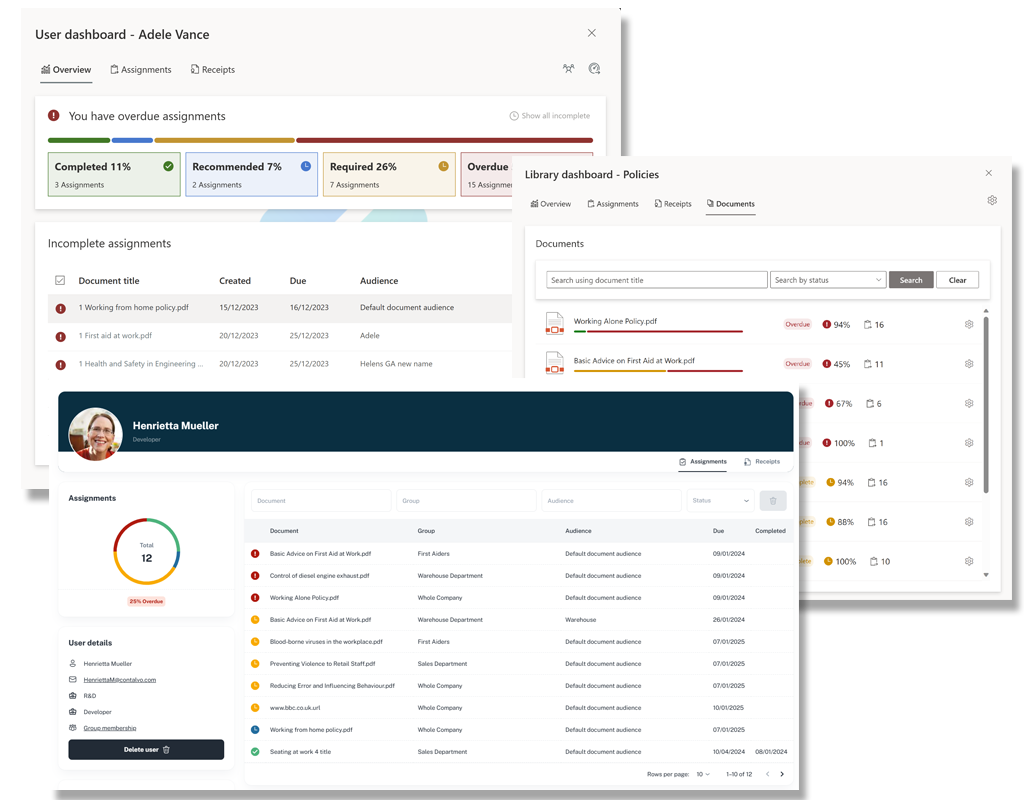
Fully Integrated with SharePoint Server
DocRead integrates seamlessly into Microsoft SharePoint Server and Office 365, allowing your entire policies and procedures lifecycle to be managed directly from SharePoint. This unified policies and procedures management software approach eliminates the need for multiple systems and supports secure version control in documents, ensuring every policy update is tracked accurately.
By centralizing document governance, your policy & procedure management software becomes more efficient, helping you manage policies, streamline policy distribution, and maintain compliance from a single platform.
Why Organizations Choose Policy Management Software
Structured Policy Governance
Business and IT Leaders Aim To
Business Use Cases for Policy Management
DocRead integrates seamlessly into Microsoft SharePoint Server and Office 365, allowing your entire policies and procedures lifecycle to be managed directly from SharePoint. This unified policies and procedures management software approach eliminates the need for multiple systems and supports secure version control in documents, ensuring every policy update is tracked accurately.
By centralizing document governance, your policy & procedure management software becomes more efficient, helping you manage policies, streamline policy distribution, and maintain compliance from a single platform.

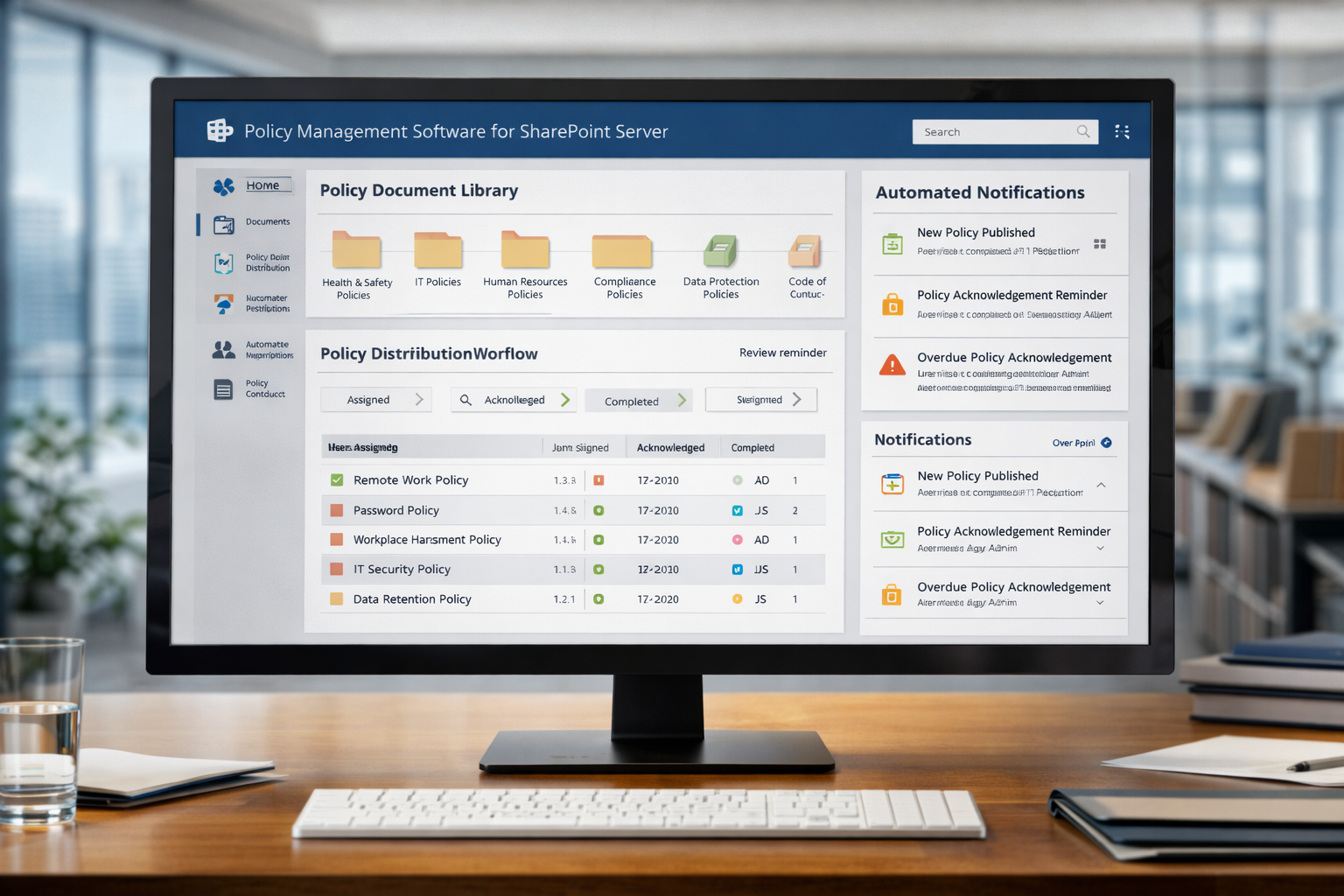
Organizations seeking to maintain operational momentum must invest in a reliable Policy Management Software for SharePoint Server that ensures employees have secure access to accurate policies and procedures.
By leveraging a centralized policy and procedure management software solution with strong version control in documents, scalability, and automation, businesses can strengthen their policy management system and reinforce a consistent, compliant policy management policy framework across the enterprise.
What Is Accessed Through a Policy Management System?
Have You Heard About DocRead Smart Move?
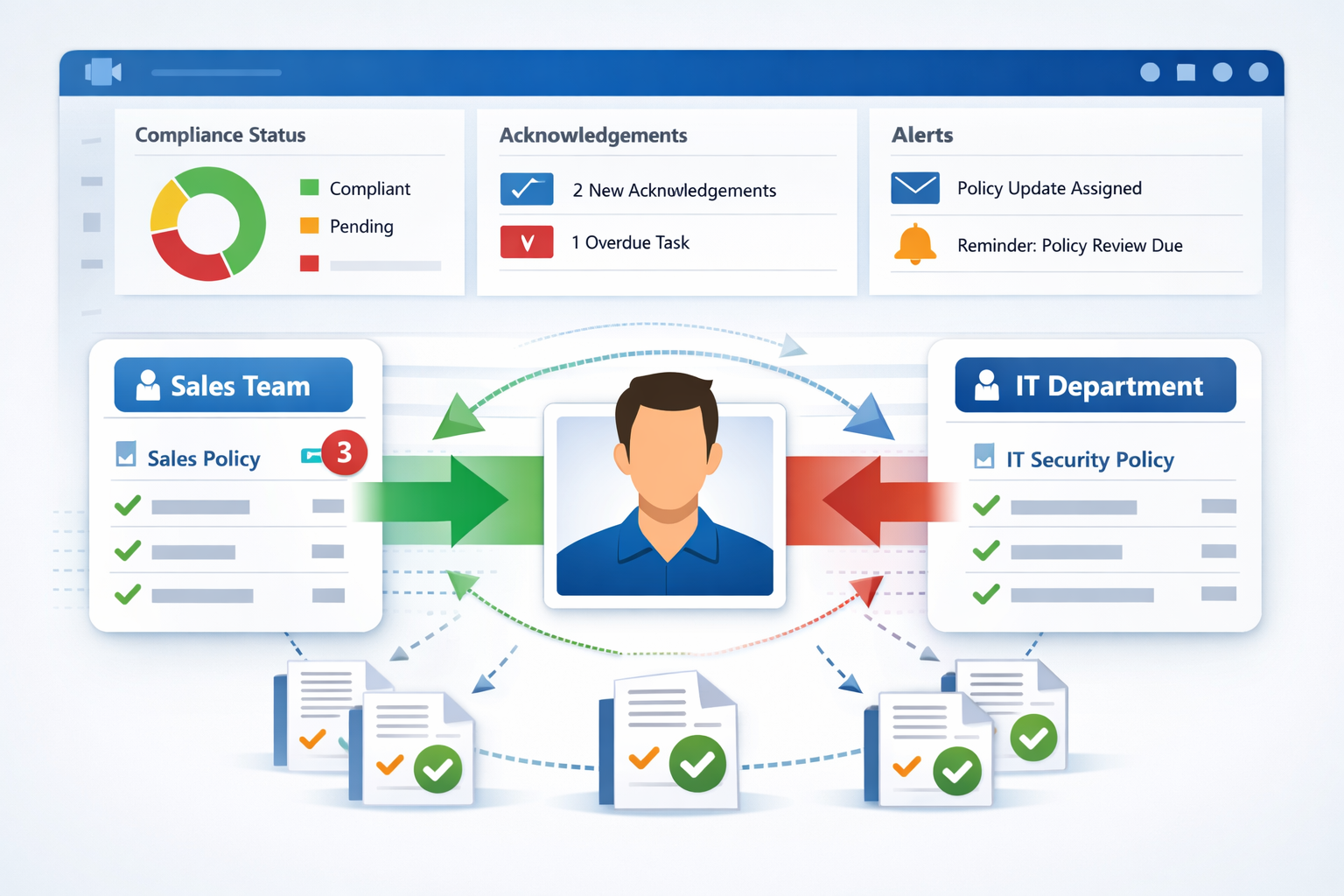
“Smart Move” refers to the technology that detects when a user joins or leaves a group or audience. DocRead is able to utilize Smart Move to ensure that users only ever receive the correct policies and procedures.
This makes it ideal for onboarding, secondments, new project work, external contractors, and many other uses. When we ask for feedback, Smart Move is often voted as DocRead’s most powerful feature. It reduces hours of manual administration and enhances this policy management software.
Frequently Asked Questions About Policy & Procedure Management Software
Policy management software is a centralized solution that helps organizations create, distribute, track, and manage policies and procedures across the enterprise. Instead of relying on email or shared folders, it ensures employees receive the correct documents, confirm acknowledgment, and access the most up-to-date versions. A structured system improves accountability, strengthens governance, and reduces compliance risk by providing visibility into who has read and accepted required policies.
Within SharePoint, policy management software integrates directly into document libraries and lists. Administrators can assign policies to specific users, roles, or departments, automate notifications, and track acknowledgments through dashboards. Because it operates natively inside SharePoint Server or Office 365, organizations maintain a single, secure environment for document control, lifecycle management, and reporting without introducing separate systems.
Policy management software supports audit readiness by maintaining detailed records of distribution, acknowledgments, and version history. Real-time dashboards and reporting tools provide clear evidence that policies were delivered, accessed, and confirmed by the appropriate audiences. Audit trails document when updates were made and who approved them, ensuring transparency and reducing regulatory risk exposure.
Yes. Modern policy management systems allow policies and procedures to be assigned based on roles, departments, locations, or dynamic user groups. This targeted approach ensures employees only receive relevant documentation, improving engagement while reducing unnecessary notifications. Automated group-based assignments also simplify onboarding, internal transfers, and project-based work.
Version control ensures that only the most current, approved policy is accessible while preserving a history of previous versions. Each change is tracked, including who made updates and when approvals occurred. This prevents confusion, eliminates outdated documentation, and supports compliance by maintaining a clear record of policy evolution.
See how DocRead can help
Find out how DocRead allows organizations to distribute policies, procedures, and important documents to employees and track acknowledgments, ensuring compliance and accountability. All without leaving SharePoint.
DocRead has enabled us to see a massive efficiency improvement... we are now saving 2 to 3 weeks per policy on administration alone.
Nick Ferguson
Peregrine Pharmaceuticals
Feedback for the on-premises version of DocRead.