
DOCREAD FOR MICROSOFT 365
Policy Management Software for Microsoft 365
DocRead adds read-and-acknowledge to SharePoint Online. You assign a policy in your existing library to Microsoft Entra ID or SharePoint groups, and DocRead emails each reader, sends reminders and keeps a time-stamped record. It is built for compliance, HR, quality and IT teams in regulated organizations. Readers open the document and confirm with one click.
We also have SharePoint Server
★★★★★ 5.0 from 12 reviews on Capterra
USED BY
Colonial Pipeline, North Wales Police, Fiji Airways, Wipro and Enstar Group
“We are now saving 2 to 3 weeks per policy on administration alone.”
Nick Ferguson, Peregrine Pharmaceuticals (DocRead for SharePoint Server)
Policy Management Software That Works Natively Inside Your Microsoft 365 Environment
Most policy management systems struggle because they sit outside everyday work. Employees forget to log in, policies are ignored, and compliance teams lack real-time visibility. DocRead takes a different approach.
Built specifically for Microsoft 365 and SharePoint Online, DocRead extends your existing document libraries with structured policy distribution, acknowledgement tracking, and compliance reporting, without complex integrations or duplicate systems.
Policies remain in SharePoint, where permissions, collaboration, and version control in documents already exist. DocRead simply adds the governance layer required for effective policy and procedure management software.
Why Organizations Choose DocRead
Unlike generic policies and procedures management software, DocRead aligns with how organizations already manage content, reducing friction for both IT teams and end users.
Draft, Review, and Approve Policy & Procedure Documents
Strong governance depends on a clear, controlled policy lifecycle that removes ambiguity and reduces risk. DocRead provides a structured approach to drafting, reviewing, approving, and publishing policies and procedures. Defined workflows ensure the right people approve content at every stage, while full audit trails capture changes and decisions.
From day one, organizations achieve consistent policy management, improved accountability, and confidence that only current, approved policies are distributed and enforced across the business.
Key Capabilities
Benefits of Targeted Distribution
Policy Distribution Made Simple
Publishing a policy is only the first step. For policies to be effective, they must reach the right people at the right time and encourage genuine engagement, not passive distribution.
DocRead streamlines policy distribution by targeting policies based on role, department, location, or group membership, ensuring delivery aligns with real organizational structures.
Employees receive only relevant content, reducing information overload, improving focus, and increasing acknowledgement, understanding, and completion rates across the organization while supporting consistent governance and measurable compliance outcomes.
Policy Management System Designed for Oversight & Control
For compliance and governance teams, visibility is essential. Without a clear overview, it becomes difficult to understand which policies are current, who has acknowledged them, and where compliance gaps exist.
DocRead provides a centralized policy management system that brings all policies, procedures, and acknowledgements into one place, eliminating the need for manual tracking or spreadsheets.
With real-time insight into policy status and engagement, teams can identify issues early, demonstrate compliance with confidence, and maintain stronger governance across the organization.
Oversight Features Include
Want deeper reporting? Build dashboards from your DocRead data with Power BI compliance reporting.
Comparing options? See how DocRead stacks up in DocRead vs PowerDMS and ConvergePoint vs Xoralia vs DocRead, or read what to look for in policy management software. Our policy management software buyer’s checklist turns that into questions for vendors.
Acknowledgement Capabilities
Policy Distribution and Acknowledgement Tracking
Traditional document sharing offers no reliable proof that a policy has been read or understood. In regulated industries, this lack of evidence can expose organizations to unnecessary risk and compliance challenges.
DocRead goes beyond passive sharing by capturing formal acknowledgements for policies and procedures, ensuring employees actively engage with required content.
By requiring acknowledgements and supporting timely policy update processes, DocRead provides defensible proof of compliance and greater confidence that critical policies are understood and followed.
Pay only for the people who read your policies
DocRead is licensed per user, and only employees who receive reading assignments count. One person needs one license however many policies they receive. Nobody else in your Microsoft 365 tenant counts toward your license total, so a policy rollout to one department is licensed for that department’s readers only.
How licensing works
Getting Started with Policy Management Software Is Easy
Getting started with policy management software is easy with DocRead. It supports policies across HR, IT, health and safety, and compliance, while working natively in Microsoft 365 to increase adoption and reduce training.
Our Case Studies
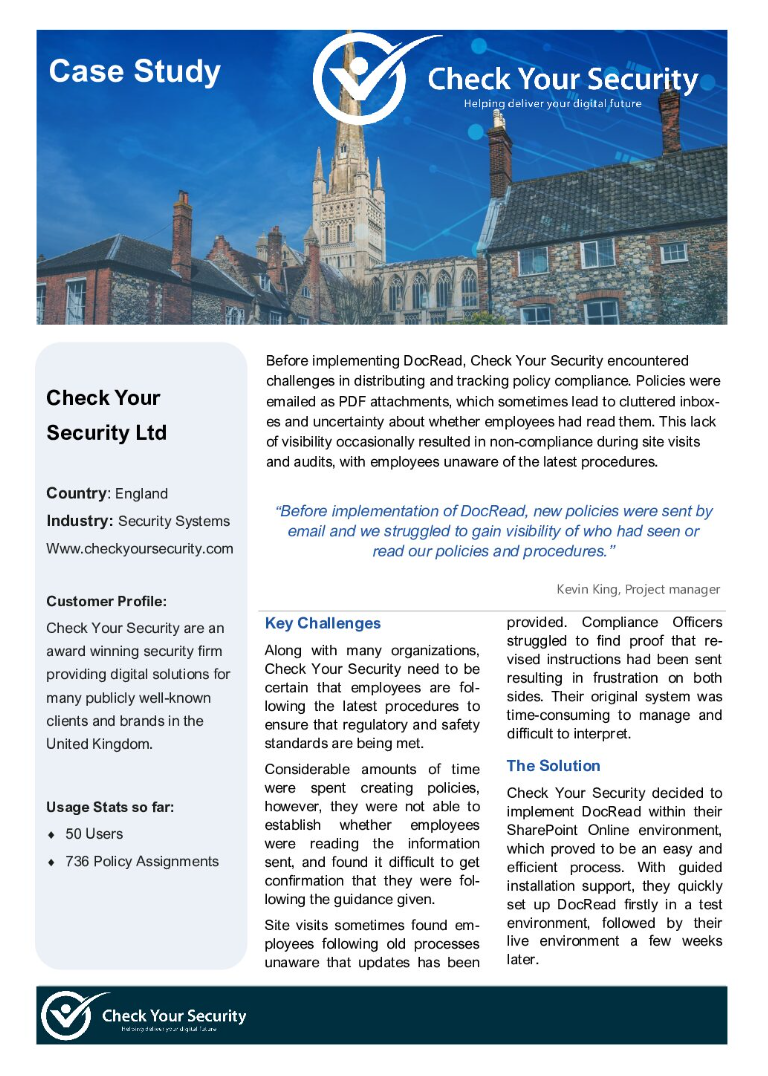
Check Your Security: DocRead for Office 365
Before implementing DocRead, Check Your Security struggled to distribute policies and track compliance effectively. Policies were emailed as PDF attachments, leading to cluttered inboxes and limited visibility into whether employees had read them, which sometimes resulted in non-compliance during site visits and audits when staff were unaware of updated procedures.
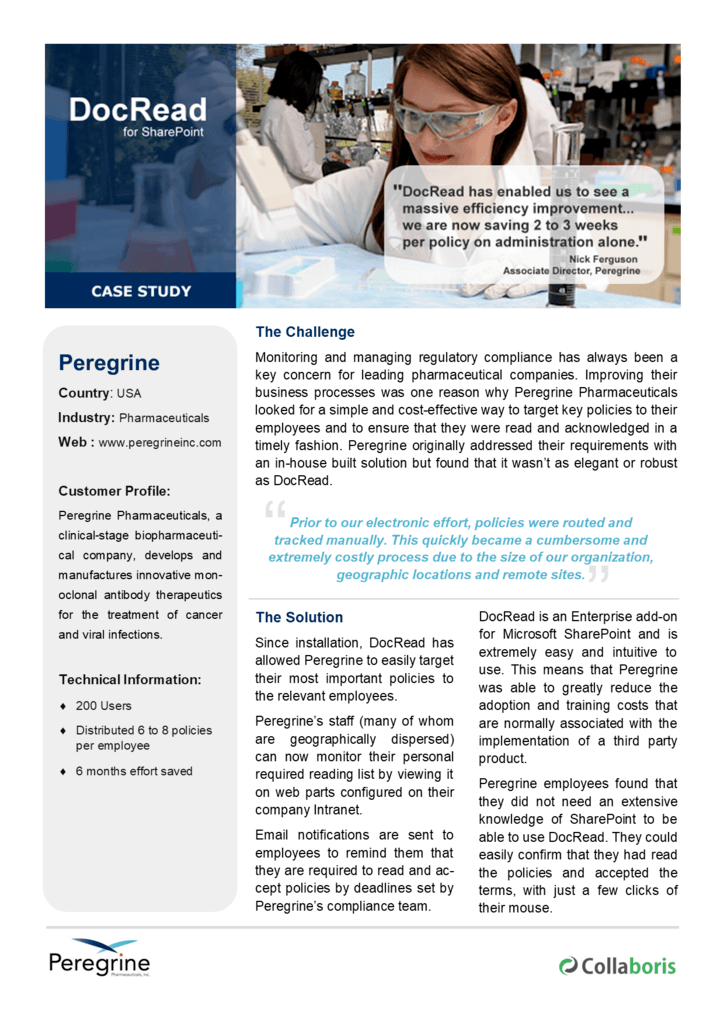
Peregrine Pharmaceuticals: On-premises DocRead
Regulatory compliance has long been a priority for pharmaceutical companies, including Peregrine Pharmaceuticals. To improve business processes, they sought a simple, cost-effective way to target key policies and ensure timely acknowledgements, ultimately replacing an in-house solution with the more robust and streamlined DocRead for SharePoint.
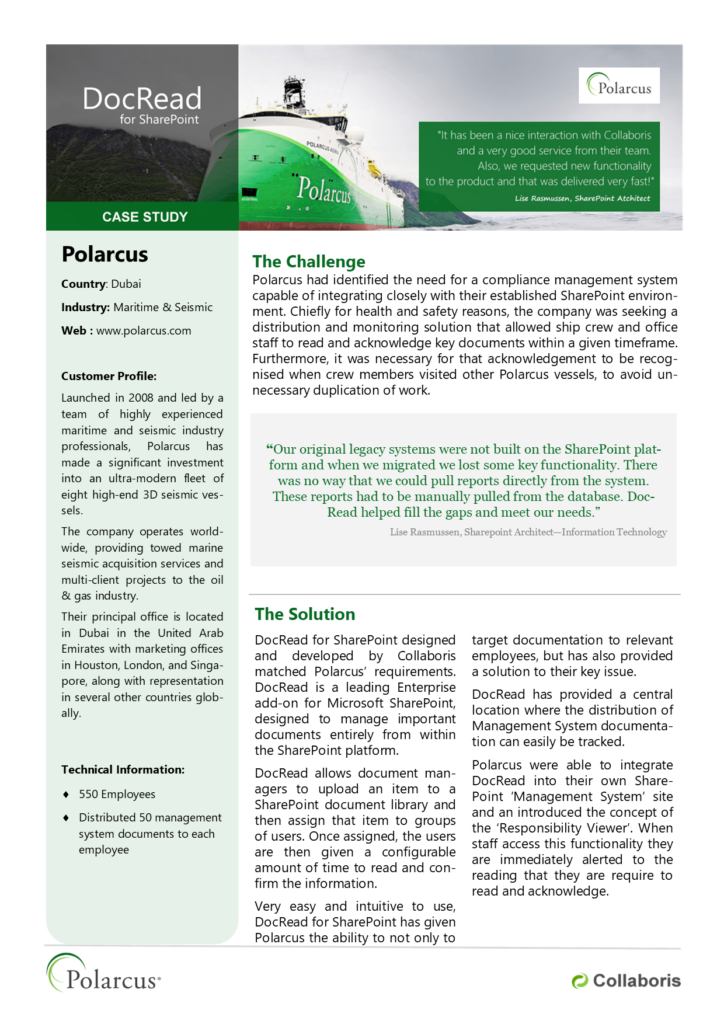
Polarcus
Polarcus required a compliance management system that integrated seamlessly with its SharePoint environment to support health and safety initiatives. The solution needed to distribute and monitor key documents, ensure timely acknowledgements from crew and office staff, and recognize acknowledgements across vessels to prevent duplicate effort.
DocRead for Microsoft 365 FAQ
What is the difference between DocRead for Microsoft 365 and DocRead for SharePoint Server?
DocRead for Microsoft 365 runs in SharePoint Online inside your Microsoft 365 tenant. DocRead for SharePoint Server is installed on your own SharePoint Server 2019 or 2016 farm. Both editions assign policies to groups, send reminders and keep acknowledgment records. Microsoft ended extended support for SharePoint Server 2016 and 2019 in July 2026, so organizations moving to SharePoint Online can move to the Microsoft 365 edition.
Can DocRead assign policies to Microsoft Entra ID groups?
Yes. You can assign a policy to Microsoft Entra ID groups or SharePoint groups, or add individual people. When group membership changes, DocRead updates the assignments, so new joiners receive the policies for their group. If your Entra ID groups use dynamic membership rules based on department or job title, membership stays current as people change roles.
Can DocRead check that people understood a policy?
Yes. Add a quiz with DocSurvey, the Collaboris add-on for quizzes, surveys and forms linked to documents. You set a pass mark, and the reading task is complete only when the reader passes. Use it where a click is not enough proof, such as safety procedures or information security rules.
Can I export acknowledgment records for an audit?
Yes. Every assignment and acknowledgment is time-stamped, and each reading receipt records the user, the document version and the time. Dashboards show who is complete and who is outstanding, and you can export the records for auditors. For custom reporting, you can build dashboards from your DocRead data in Power BI.
How long does DocRead take to set up?
DocRead for Microsoft 365 works with the SharePoint Online libraries, permissions and groups you already have, so there is no document migration and no second system for staff to log in to. How long setup takes depends on your tenant and how many policies and groups you start with. Book a demo and the team will walk through setup for your environment.
How is DocRead for Microsoft 365 licensed?
DocRead is licensed per user, and only employees who receive reading assignments count. A person who receives five policies needs one license, not five. People in your tenant who never receive a reading task are not counted. For Microsoft 365 pricing, request a quote and the team will reply with pricing for your number of readers.
Talk to a Policy Management Expert Today
See how DocRead can help your organization strengthen compliance, improve governance, and reduce risk—without changing how you work in Microsoft 365 and SharePoint Online.