
Policy Management Software for SharePoint Server
Organizations rely on clear, well-governed policies to stay compliant and reduce risk, yet managing those policies within on-premises environments can be challenging. DocRead is policy management software for SharePoint Server that operates directly inside your existing SharePoint Server platform, allowing teams to centralize policies, manage distribution, monitor acknowledgements, and retain dependable compliance records without moving outside SharePoint.
We also have DocRead for Office 365
Policy Management Software That Works Natively Inside Your SharePoint Server Environment
Many policy management systems fall short because they operate outside daily workflows. Employees don’t regularly log in, important policies get missed, and compliance teams are left without clear, up-to-date insight. DocRead solves this problem with a different approach.
Designed specifically for SharePoint Server, DocRead works directly inside your existing on-premises environment, enhancing SharePoint document libraries with controlled policy distribution, acknowledgement tracking, and compliance reporting, without the need for complex integrations or parallel systems.
Policies stay in SharePoint Server, where permissions, collaboration, and version control in documents are already in place. DocRead adds the governance layer needed to support effective policy and procedure management software.
Why Organizations Choose DocRead
Unlike generic policies and procedures management software, DocRead aligns with how organizations already manage content, reducing friction for both IT teams and end users.
Draft, Review, and Approve Policy & Procedure Documents
Strong governance relies on a well-defined and controlled policy lifecycle. Without a structured process, policies may be released without thorough review, approvals can become unclear, and audit records may be fragmented or incomplete.
DocRead provides a clear framework for drafting, reviewing, and approving policy and procedure documents, establishing accountability from the outset. Each policy progresses through predefined stages before publication, ensuring every document is properly reviewed, approved, and ready for distribution.
Key Capabilities:
Benefits of Targeted Distribution:
Policy Distribution Made Simple
Publishing a policy is only the starting point. For policies to be effective, they must be delivered to the right employees at the right moment and in a way that drives action. DocRead streamlines policy distribution by allowing organizations to assign policies based on role, department, location, or group membership.
This targeted approach ensures employees receive only relevant content, reducing overload, improving engagement, and increasing acknowledgement and completion rates across the organization.
Policy Management System Designed for Oversight
For compliance and governance teams, having clear visibility is non-negotiable. Without it, understanding which policies are up to date, who has confirmed them, and where risks remain becomes a challenge. DocRead delivers a centralized policy management system that provides real-time insight into policies, procedures, and acknowledgements.
This unified view eliminates reliance on spreadsheets or manual tracking while giving teams consistent oversight and control across the entire organization.
Oversight Features Include:
Acknowledgement Capabilities:
Policy Distribution and Acknowledgement Tracking
Traditional document sharing does not confirm whether a policy has been read or understood, creating risk for regulated organizations. DocRead strengthens policy distribution by requiring employees to formally acknowledge policies and procedures within SharePoint Server.
This creates clear, auditable evidence of compliance, helps organizations manage policies with confidence, and ensures policy updates are communicated, tracked, and acknowledged in a timely and consistent manner.
Getting Started with Policy Management Software for SharePoint Server Is Simple
Getting started with Policy Management Software for SharePoint Server is straightforward with DocRead. It supports HR, IT, health and safety, and compliance policies while operating directly within SharePoint Server, helping drive user adoption, streamline policy processes, and minimize training effort.
Our Case Studies
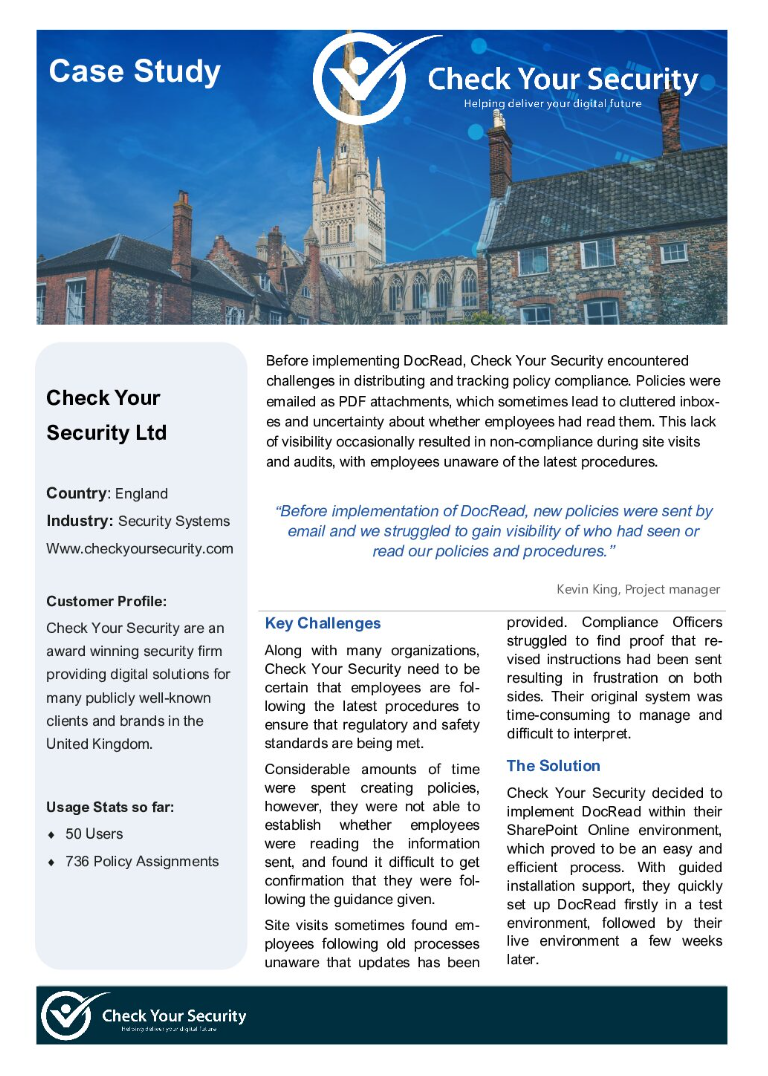
Check Your Security: DocRead for Office 365
Before implementing DocRead, Check Your Security struggled to distribute policies and track compliance effectively. Policies were emailed as PDF attachments, leading to cluttered inboxes and limited visibility into whether employees had read them, which sometimes resulted in non-compliance during site visits and audits when staff were unaware of updated procedures.
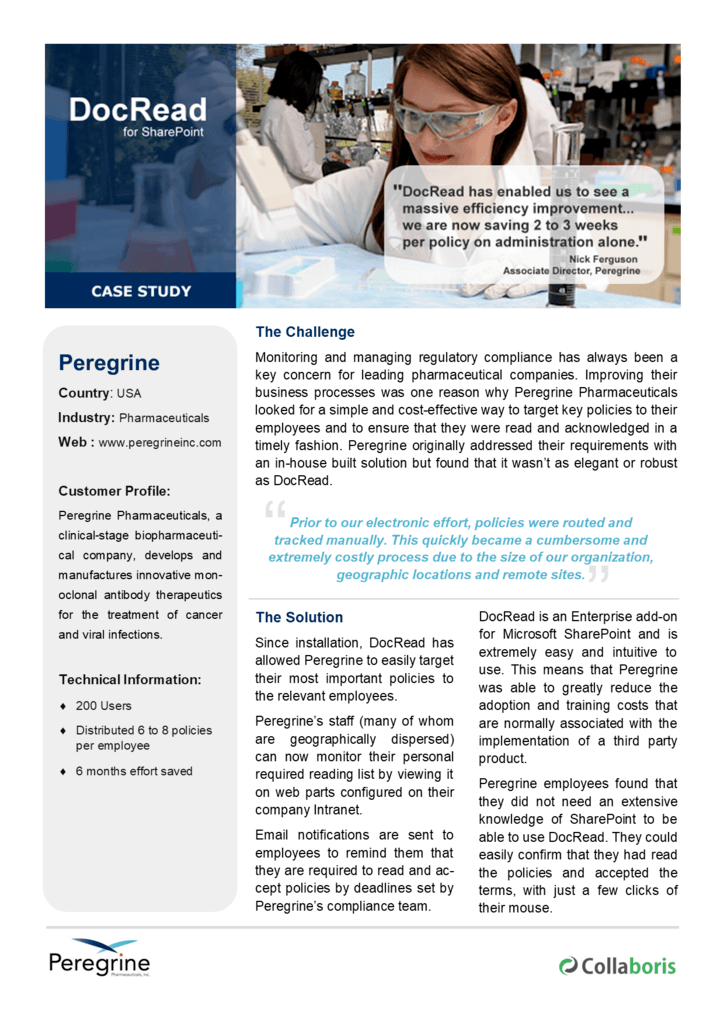
Peregrine Pharmaceuticals: On-premises DocRead
Regulatory compliance has long been a priority for pharmaceutical companies, including Peregrine Pharmaceuticals. To improve business processes, they sought a simple, cost-effective way to target key policies and ensure timely acknowledgements, ultimately replacing an in-house solution with the more robust and streamlined DocRead for SharePoint.
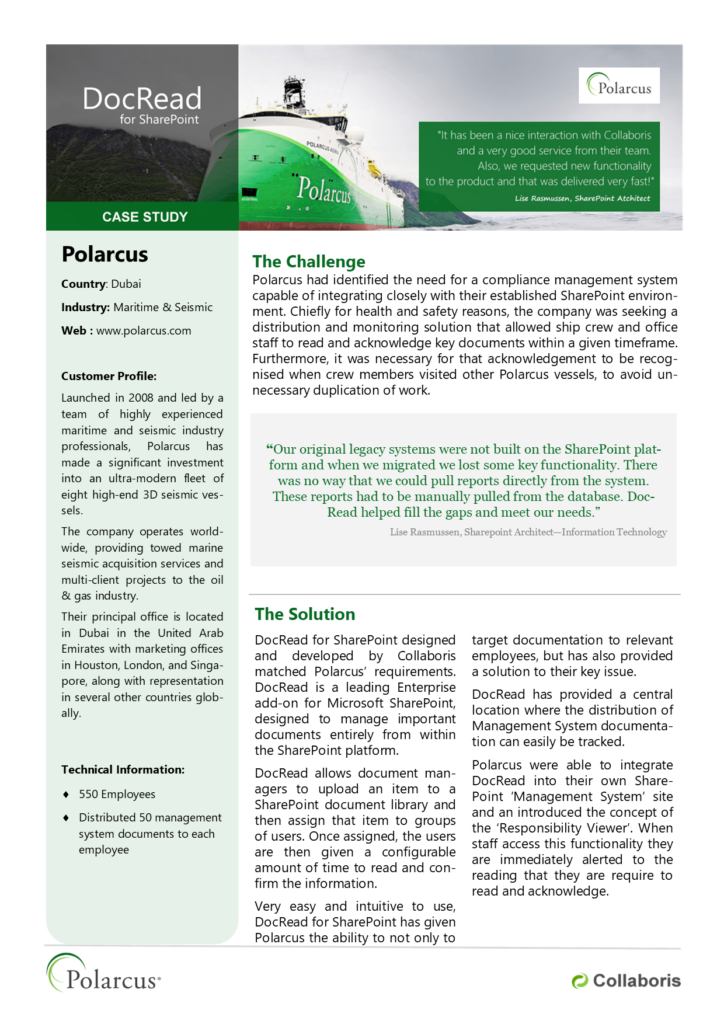
Polarcus
Polarcus required a compliance management system that integrated seamlessly with its SharePoint environment to support health and safety initiatives. The solution needed to distribute and monitor key documents, ensure timely acknowledgements from crew and office staff, and recognize acknowledgements across vessels to prevent duplicate effort.
Talk to a Policy Management Expert Today
See how DocRead can help your organization strengthen compliance, improve governance, and reduce risk—without changing how you work in SharePoint Server.